Product
Every service, recorded and delivered.
CaptaLog is the app where your technicians fill in each visit's checklist on their phone, with or without signal. What gets done is kept with photo, signature, time and place; what couldn't be done stays open with an owner; and the report reaches your client on its own.
-
No signal still fills in
-
Photo + signature with date, time and place
-
Report to the client by email, with the PDF
-
Spreadsheet that refreshes itself
How a service works
From the ticket to the report, with no one having to remember anything
The same whether the site has signal or not.
-
The service ticket comes in
It is assigned to the technician, with the site and the vehicle. The inspection shows up on their phone.
-
The technician makes the visit
They fill in the checklist on site, take the before and after photos, and the site manager signs on the screen.
-
Your client gets the report
When it's done, the PDF with the photos goes by email to the site's contact; if the site has no email, to its company.
-
You see every site
A spreadsheet that refreshes itself, by site and by technician. Whatever couldn't be done stays as an Issue, with its Action and its owner.
What the app does
Everything that happens on a visit, in one place
Checklists you define
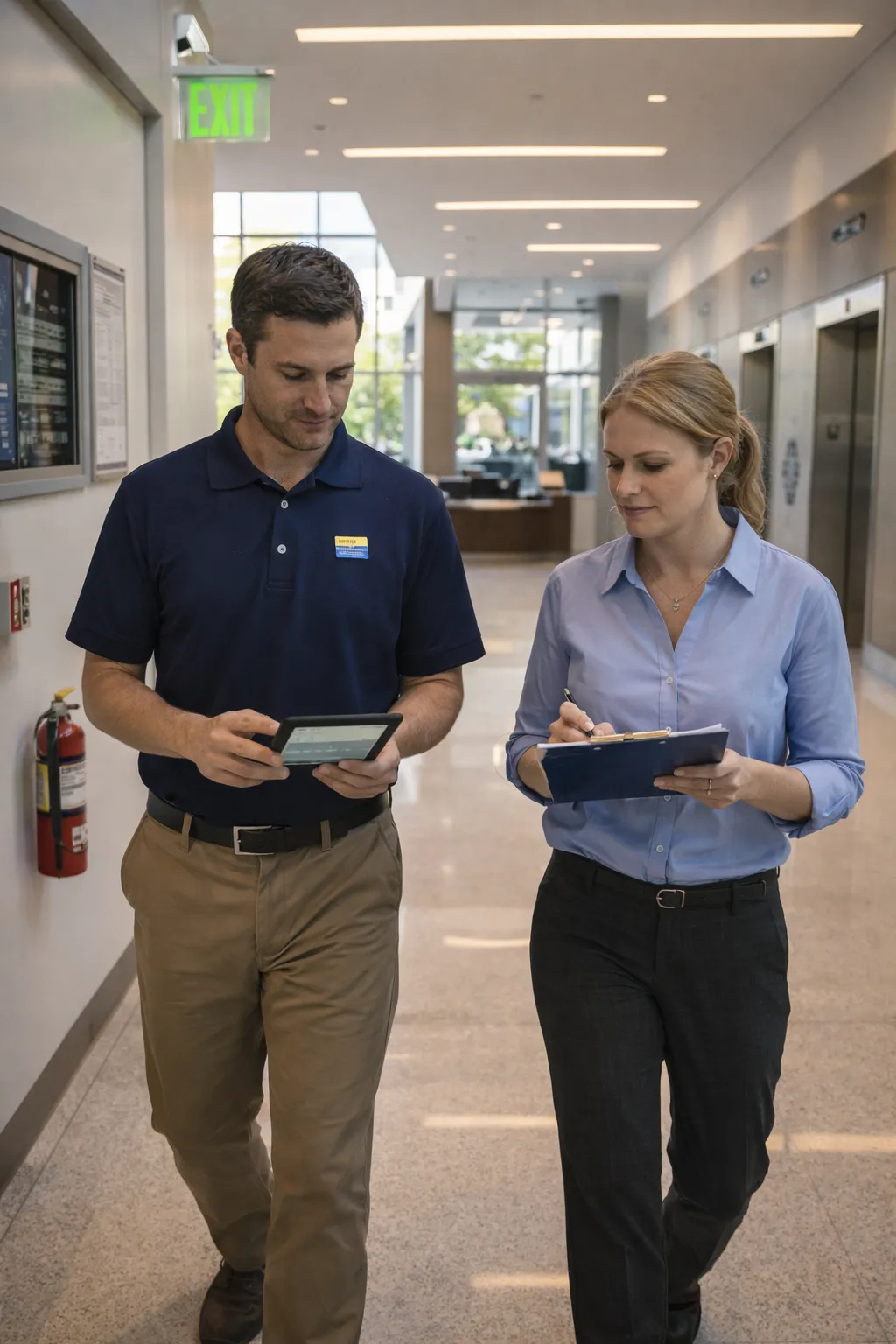
You build your checklists with your service's questions: pass or fail, numbers, lists, photos and signature. Your technicians fill them in on their phone.
Works without signal
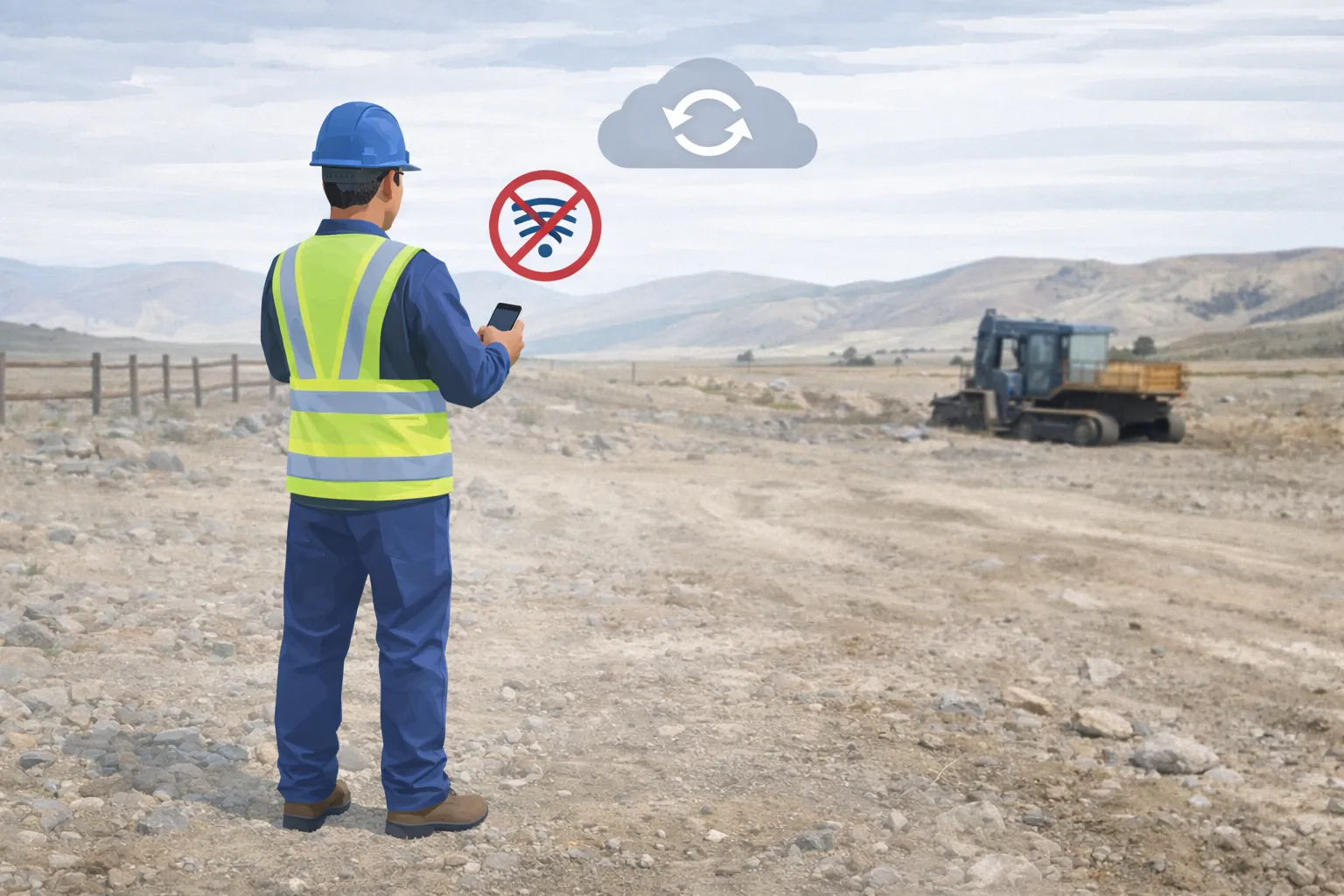
In the basement, on the roof or in the back storeroom: it still fills in and uploads on its own when signal returns.
Evidence of every visit
Every answer is kept with date, time and place; the before and after photos, and the site manager's signature on the screen.
Nothing pending gets lost
Whatever couldn't be done stays as an issue, with its action, its owner and its deadline, until someone closes it.
Scheduled visits
Programs that schedule each site's recurring visits, and automations that turn a service ticket into an assigned visit.
A QR code per point
Each piece of equipment, room or checkpoint can have its QR: the technician scans it and that point's checklist opens.
What your client gets
The paper they ask you for, without retyping it
Every service ends in a report nobody has to put together.
The PDF with the photos
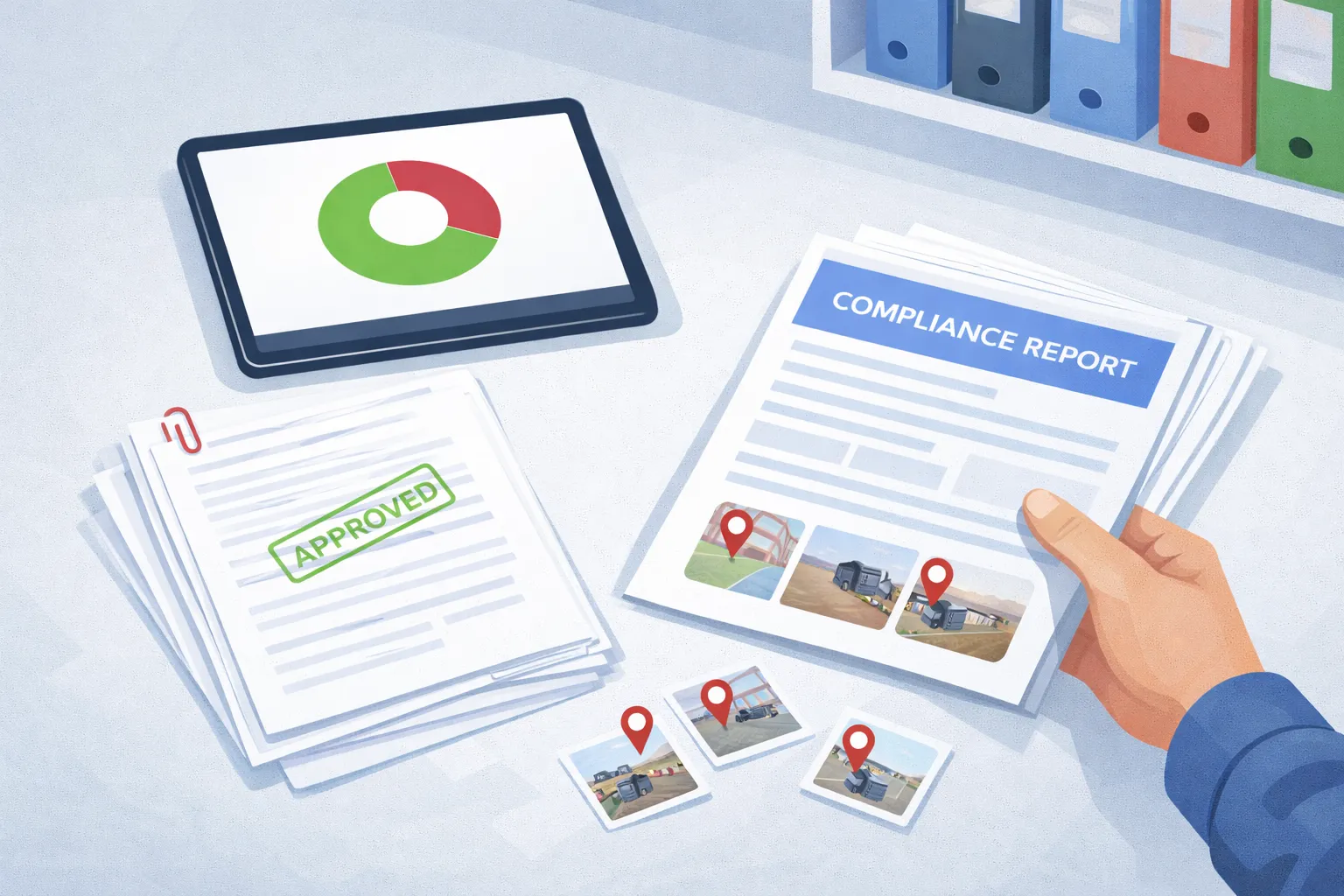
What was done, where, when and by whom, with the photos and the site manager's signature.
-
By email, to the right person
To the site's contact or to the people at its company. It goes out on its own when the service closes.
-
And a spreadsheet for you
One row per service with every answer, in the Excel you already use: it refreshes without anyone exporting anything.
Your client sees what you did, for free
You invite your client to see the progress, the evidence and the reports for their sites. Their seats are free and don't count as users.
Your AI assistant
Your AI assistant is welcome
We don't have our own AI or a chat. We open the door for the assistant you already use, so it can work in CaptaLog with you.
-
You come in through the app
You run inspections, raise issues and follow up on actions in the field, with or without signal, with photo and signature as proof.
-
Your assistant comes in through MCP
It does almost everything you do in CaptaLog: actions, inspections, issues, checklists and documents. On your behalf and with your permissions, and what it does stays on the record under your name. What it can't do yet: take photos, sign or mark the location.
One operation, two doors. And one record.
We'll show you with one of your services
Book 30 minutes: we open the app and run a visit from your trade together, from the ticket to the report.